The Salalem Mobile App
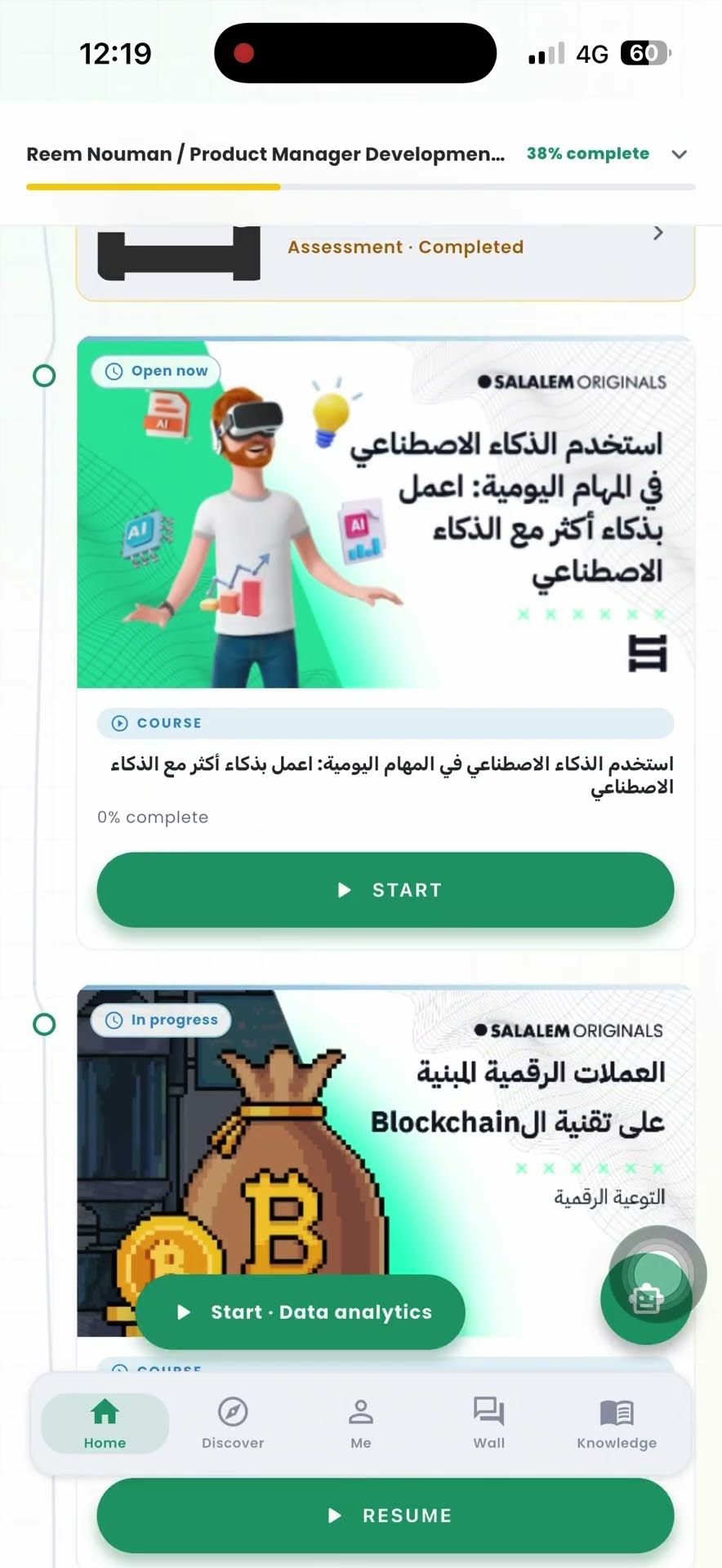
Your training on your phone. Install the app and sign in with the account your employer set up for you. First time? The one-minute video shows you around.


Or search for Salalem Learning in the App Store or on Google Play.
On a computer? Use Salalem in your browser
Apple and the Apple logo are trademarks of Apple Inc. Google Play and the Google Play logo are trademarks of Google LLC.

Sign In With Your Work Account
There is no sign-up in the app. Your employer creates your account, so use the same email you use for Salalem on the web. No account yet? Ask the person who runs training where you work. If your employer still uses the older Salalem app, keep using that one.
Forgot your password? Tap the reset link on the sign-in screen. The email goes to the address your employer has for you. If you sign in through your company login, ask your IT team.
What You Can Do in the App
Anything you finish on your phone shows as done on the web too, and the other way round.
-
Your assigned training
Everything you need to do in one list, with its due date and how far you have got.
-
Pick up where you left off
Videos, documents, and in-video questions all work in the app. Close it halfway and it reopens at the same spot.
-
Assessments
Take assessments in the app, with the time limit and number of attempts your employer set.
-
Your certificates
Each certificate has a link anyone can open to check it is real, without needing an account.
-
Reminders
The app tells you when you get new training and when a deadline is close.